
AI Chatbot Pricing: What to Budget
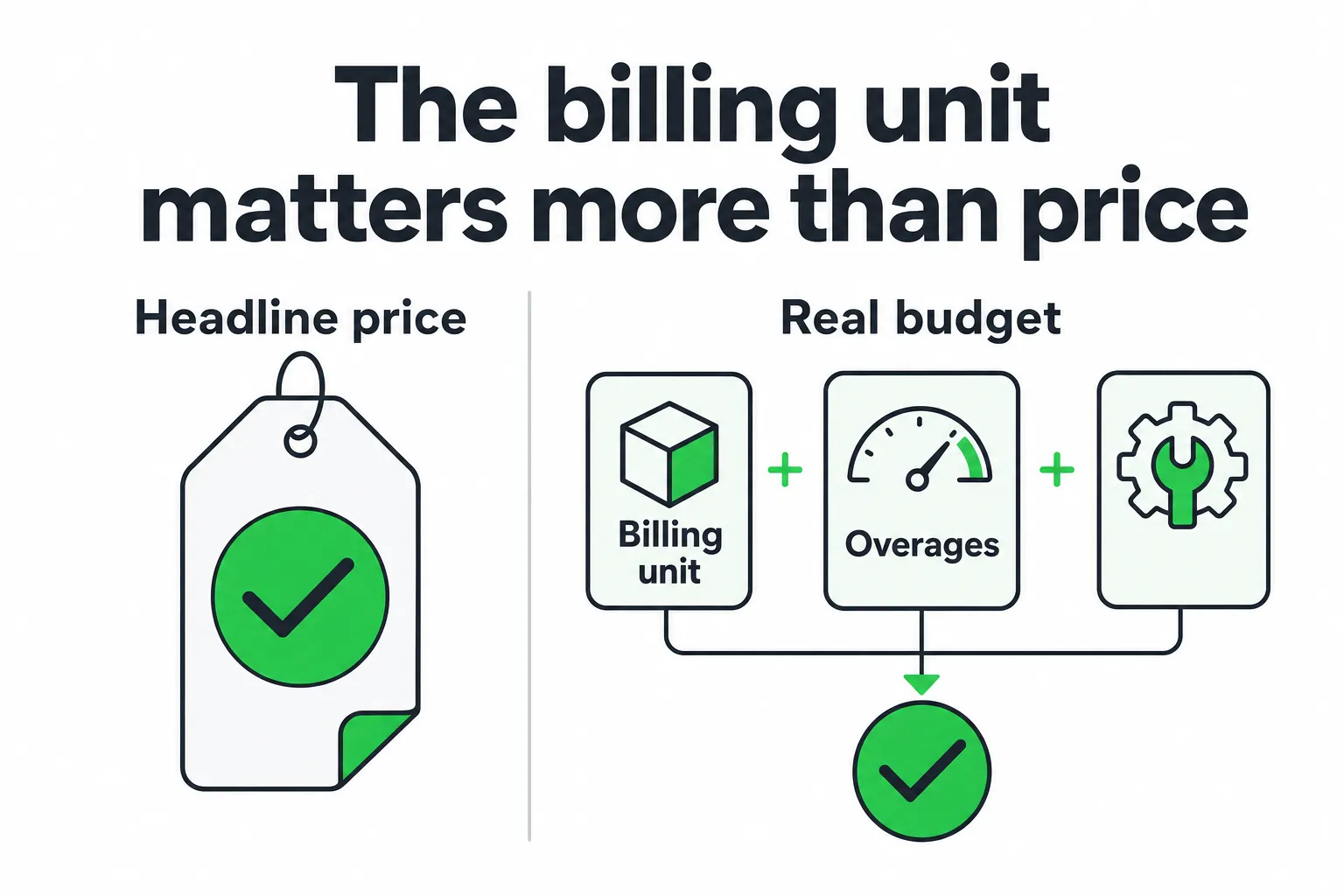
AI chatbot pricing can range from a low-cost self-serve subscription to a custom implementation with ongoing model, hosting, and maintenance costs. For a small business, a realistic starting budget depends less on the chatbot label and more on the billing unit: seats, conversations, messages, credits, resolutions, or outcomes.
That distinction matters because two tools with similar monthly prices can support very different usage levels. Compare the allowance, overage rules, handoff features, integrations, and implementation work before you choose.
Key takeaways
- Match the pricing model to your workflow before comparing monthly subscriptions.
- Conversation-based, credit-based, seat-based, and outcome-based plans measure different things.
- Calculate normal and high-demand usage, including overages, add-ons, setup, and human support.
- Buy a SaaS chatbot for speed and standard workflows. Build when your business logic or deployment needs are unusually specific.
What does an AI chatbot cost?
Expect AI chatbot pricing to span from self-serve software to custom development. Your budget changes with chatbot capability, visitor or support volume, integrations, knowledge-base preparation, human handoffs, and the level of control you need.
For a practical SaaS benchmark, Tidio’s Starter AI plan costs $33 per month when billed annually and includes 50 AI-plus-human conversations. Its Growth AI plan starts at $63 per month and includes between 100 and 1,000 monthly conversations, depending on the selected quota.
Those headline prices do not tell you everything. Ask what counts as a conversation, whether human-assisted chats consume the same allowance, and what happens after you reach the limit.
Also check whether the plan includes:
- Lead capture and qualification.
- Human handoff to a teammate.
- Connections to your CRM, helpdesk, calendar, or email.
- Multiple knowledge sources and supported channels.
- Analytics, conversation history, and export access.
- Branding removal, extra agents, and premium support.
For a small website that needs product answers and inbound lead capture, start with a self-serve chatbot. Consider custom development only when your security requirements, internal workflows, or integrations cannot be handled by an existing platform.
The main AI chatbot pricing models
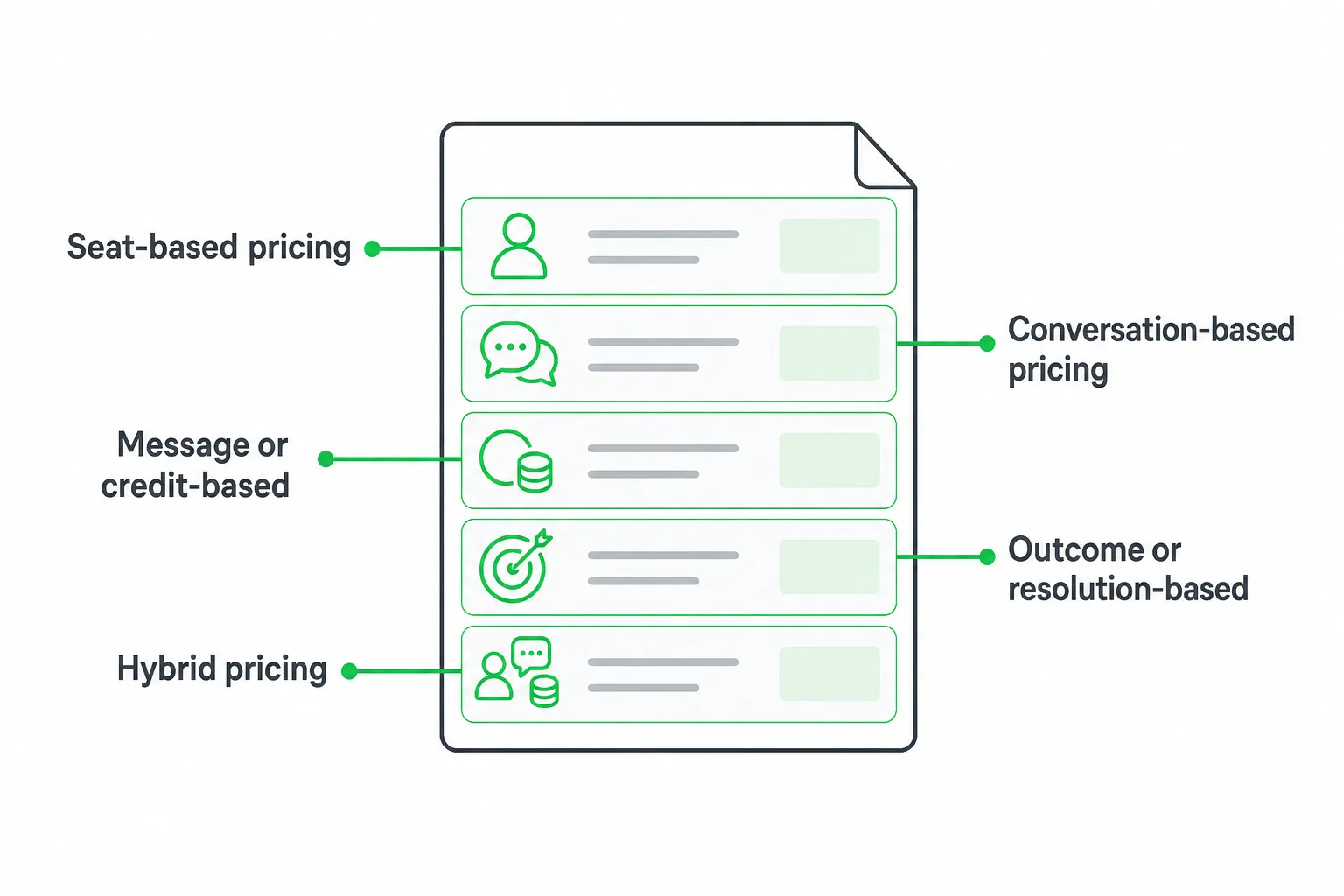
AI chatbot vendors usually charge for one or more of five things. Understanding the unit helps you compare plans without mistaking a low subscription for a low total cost.
- Seat-based pricing: Charges for the people who manage conversations, review handoffs, or administer the platform.
- Conversation-based pricing: Charges for a visitor or support interaction, often with a monthly allowance.
- Message or credit-based pricing: Bundles a monthly number of messages or credits, then charges for additional usage.
- Outcome or resolution-based pricing: Charges when the AI completes an agreed action, resolves a request, or produces another defined result.
- Hybrid pricing: Combines a platform or seat subscription with usage fees.
Intercom is a clear example of hybrid pricing. Its Essential plan starts at $19 per seat per month on the displayed promotion, plus $0.99 per Fin AI Agent outcome, according to Intercom Pricing. Its Advanced plan costs $85 per seat per month and its Expert plan costs $132 per seat per month, with both also charging $0.99 per Fin outcome, according to the same source.
Intercom also says Fin can work with an existing helpdesk without seat costs, setup fees, integration fees, or platform fees, although a minimum monthly commitment applies. That structure may suit a team that already owns its support stack, but you still need a written definition of a billable outcome.
Credit-based plans require a different question: how many credits does one useful interaction consume? A short answer and a complex answer may not have the same cost. Ask whether failed resolutions, retries, file processing, or human handoffs use credits.
Real SaaS chatbot plans compared
The table below compares real plan structures rather than just subscription prices. “Not stated here” means the available pricing information does not establish that detail, so confirm it with the vendor before purchasing.
| Provider and plan | Base subscription | Billing unit | Included allowance | Overage or add-ons | Best fit |
|---|---|---|---|---|---|
| Tidio Starter AI | $33 per month when billed annually, according to Tidio Pricing | AI-plus-human conversations | 50 conversations | Confirm overage terms, seats, branding, and integrations | Small websites testing automated visitor support |
| Tidio Growth AI | Starts at $63 per month, according to Tidio Pricing | Monthly conversations | 100 to 1,000 conversations, depending on selected quota | Confirm quota changes, overages, and add-ons | Teams with a clearer and growing conversation volume |
| Intercom Essential plus Fin | $19 per seat per month on the displayed promotion, according to Intercom Pricing | Seats plus AI outcomes | Outcome allowance and minimum commitment require confirmation | $0.99 per Fin outcome | Teams combining a support workspace with AI resolution |
| Chatbase Basic | $120 per month when billed yearly, or $150 per month at the listed monthly rate, according to Chatbase Pricing | Message credits | 4,000 message credits per month | $40 for 1,000 additional message credits; branding removal and extra agents are separate add-ons | Teams that want a defined credit allowance |
| Chatbase Business | $400 per month when billed yearly, or $500 per month at the listed monthly rate, according to Chatbase Pricing | Message credits | 15,000 message credits per month | $40 for 1,000 additional message credits; $99 per month to remove branding; $25 per additional AI agent per month | Higher-volume teams needing more credit capacity |
Chatbase shows why add-ons belong in your comparison. Its Basic plan includes 4,000 message credits, while its Business plan includes 15,000. The same pricing page lists $40 for 1,000 additional message credits, $99 per month to remove branding, and $25 per additional AI agent per month, according to Chatbase Pricing.
That does not make one model better than another. It shows why you should compare the cost of your actual workflow, not the size of the starting plan.
What changes your total chatbot budget?
Your total budget includes more than the chatbot subscription. Start by documenting how the system will work from the first visitor question to the final handoff.
- Usage: Estimate conversations, messages per conversation, repeat visitors, and seasonal demand.
- Human involvement: Count the teammates who need access and the conversations that require review or escalation.
- Knowledge preparation: Gather approved product pages, documentation, pricing information, policies, and support articles.
- Integrations: List your CRM, helpdesk, calendar, email, payment, analytics, and authentication requirements.
- Channels: Decide whether the bot will live on your website only or also support other customer-facing channels.
- Quality controls: Budget for testing, source restrictions, escalation rules, monitoring, and ongoing content updates.
Separate software costs from implementation costs. Setup may include content preparation, prompt or workflow design, CRM connections, testing, team training, monitoring, and optimization.
Then inspect the less visible limits. Ask about conversation history, data retention, supported languages, file ingestion, API access, extra knowledge sources, branding, export rights, and cancellation terms.
How to calculate your real monthly cost
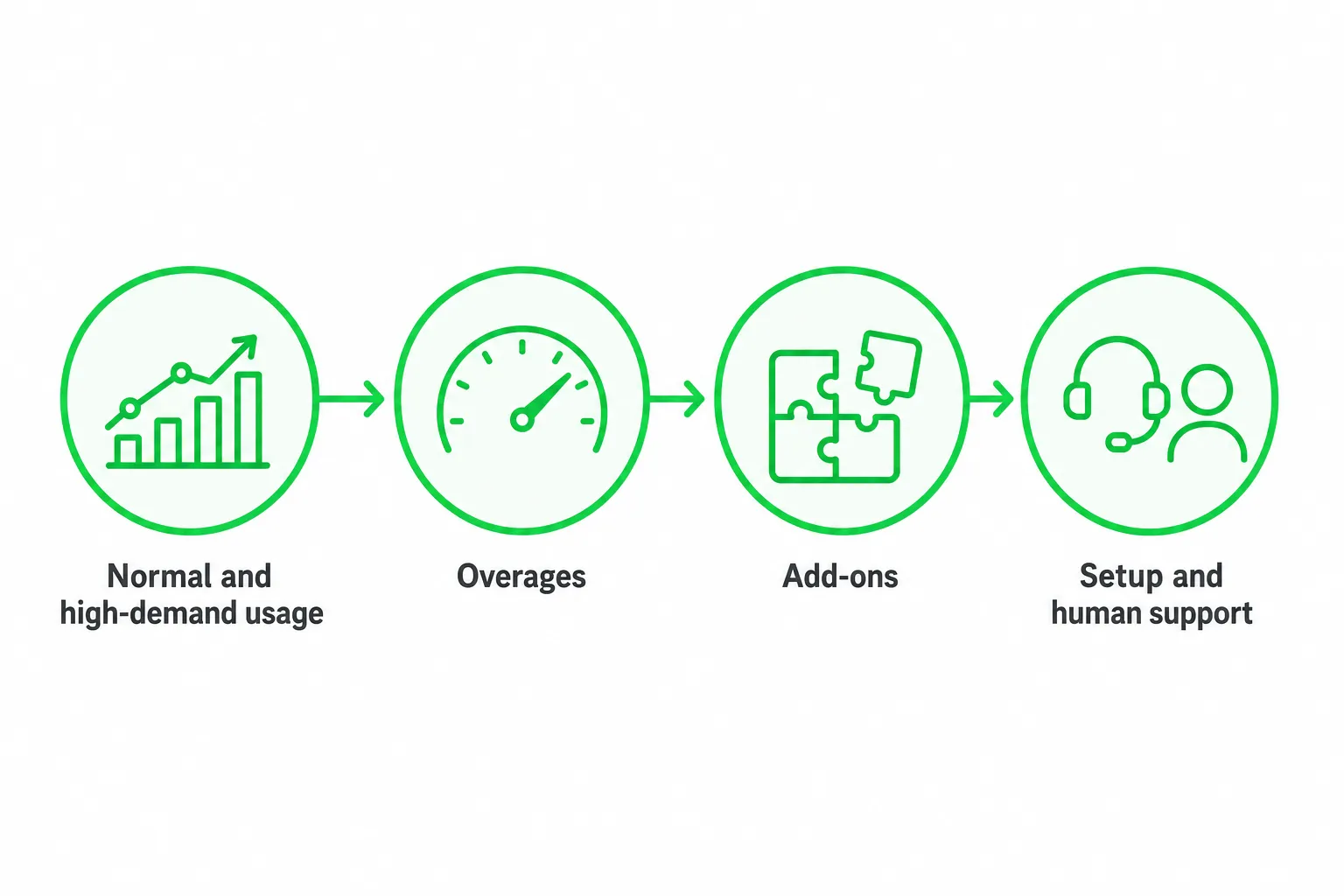
Use a simple scenario model before you sign up. Build one estimate for normal usage and another for a high-demand month.
- Define the billing unit. Write down whether you are paying per seat, conversation, message, credit, resolution, outcome, or a combination.
- Map usage to the unit. Estimate how many customer interactions you expect, how many messages each interaction may contain, and how often a human will take over.
- Apply the allowance. Subtract the included conversations, messages, credits, or outcomes from your expected usage.
- Add overages and extras. Include additional usage, seats, agents, branding removal, premium support, integrations, and minimum commitments.
- Add implementation costs. Include knowledge-base preparation, workflow design, testing, training, and ongoing maintenance.
- Calculate cost per useful result. Divide the full monthly cost by the result you care about, such as a qualified lead, resolved request, booked meeting, or deflected ticket.
For example, a lead-generation chatbot should not be judged only by conversations handled. Track qualified leads, handoff quality, response speed, and the number of conversations that reach a meaningful next step.
Run a limited launch before expanding. Review real transcripts, identify unanswered questions, measure human handoffs, and check whether your knowledge sources produce accurate answers. Then change the plan before usage surprises become recurring costs.
Build vs. buy: which option makes sense?
Buy a SaaS chatbot when you value speed, hosted infrastructure, standard integrations, analytics, human handoff, and predictable administration. You can usually start with an existing knowledge base and refine the bot as real questions arrive.
Build or commission a custom chatbot when you need unusual business logic, proprietary system connections, strict deployment requirements, specialized security controls, or a deeply tailored user experience.
A custom build may avoid a recurring platform subscription, but it does not remove ongoing costs. Budget separately for model usage, hosting, engineering, security reviews, evaluation, monitoring, maintenance, and future model changes.
For a small SaaS team, OneUp Today’s website chatbot answers visitor questions from your own pages, captures leads, and hands hot conversations to you. That makes it relevant when your main requirement is a website assistant connected to approved content and a clear sales handoff.
How to choose and start without overspending
Shortlist tools by billing transparency, answer quality, source controls, lead capture, human handoff, integrations, analytics, data handling, support, and cancellation terms. Do not choose solely on the lowest advertised plan.
Send every vendor the same usage brief. Include your expected conversation volume, average interaction, number of teammates, required integrations, knowledge sources, and escalation process. Ask for the estimated monthly bill in both normal and high-demand scenarios.
Request clear answers to these questions:
- What exactly triggers a billable conversation, message, credit, resolution, or outcome?
- Do human-assisted conversations consume the same allowance?
- What happens when you exceed the quota?
- Are extra agents, seats, integrations, branding removal, or support charged separately?
- Is there a minimum commitment or a separate implementation fee?
- Can you export conversations, knowledge, analytics, and configuration if you leave?
Start with one high-value use case, such as answering product and pricing questions or qualifying inbound visitors. Define success criteria, review conversations, and expand only after the bot performs reliably.
Next step: Write down your expected conversations, teammates, integrations, and desired outcome. Use that brief to request a comparable quote, then test the chatbot on one focused workflow before committing to a larger plan.
Frequently asked questions
How do I estimate the monthly cost of an AI chatbot?
Estimate monthly cost by matching your expected usage to the vendor’s billing unit, then adding fixed fees and overages. For example, forecast conversations, messages, credits, or billable outcomes for both a typical month and a busy month. Include seats, setup, integrations, add-ons, and any human-support costs in the total.
What hidden fees should I look for in AI chatbot pricing?
Common extra costs include usage overages, additional agent seats, implementation, premium integrations, support, and advanced features. A low advertised subscription may cover only a limited allowance or basic functionality. Before signing, ask for the price at your expected volume and confirm how unused credits, human handoffs, and billable outcomes are treated.
Is a free AI chatbot enough for a small business?
Yes, a free plan can be enough for testing or handling a small volume of routine questions. Check whether it limits conversations, AI replies, integrations, channels, or access to conversation history. If the chatbot supports important customer workflows, compare the cost of upgrading with the time saved and leads or requests handled.
Is it cheaper to build an AI chatbot or buy one?
Buying a SaaS chatbot is usually cheaper to start, while building one can make sense when standard tools cannot meet specific workflow, security, or deployment needs. Compare more than the launch cost: a custom chatbot may also require ongoing hosting, model usage, maintenance, monitoring, and engineering support.